CopySnip · Press & media
Copy, find,
capture, explain.
Free clipboard history and screenshot tools, together in one compact Windows app.
Windows 10 (build 19041+) & Windows 11 · x64
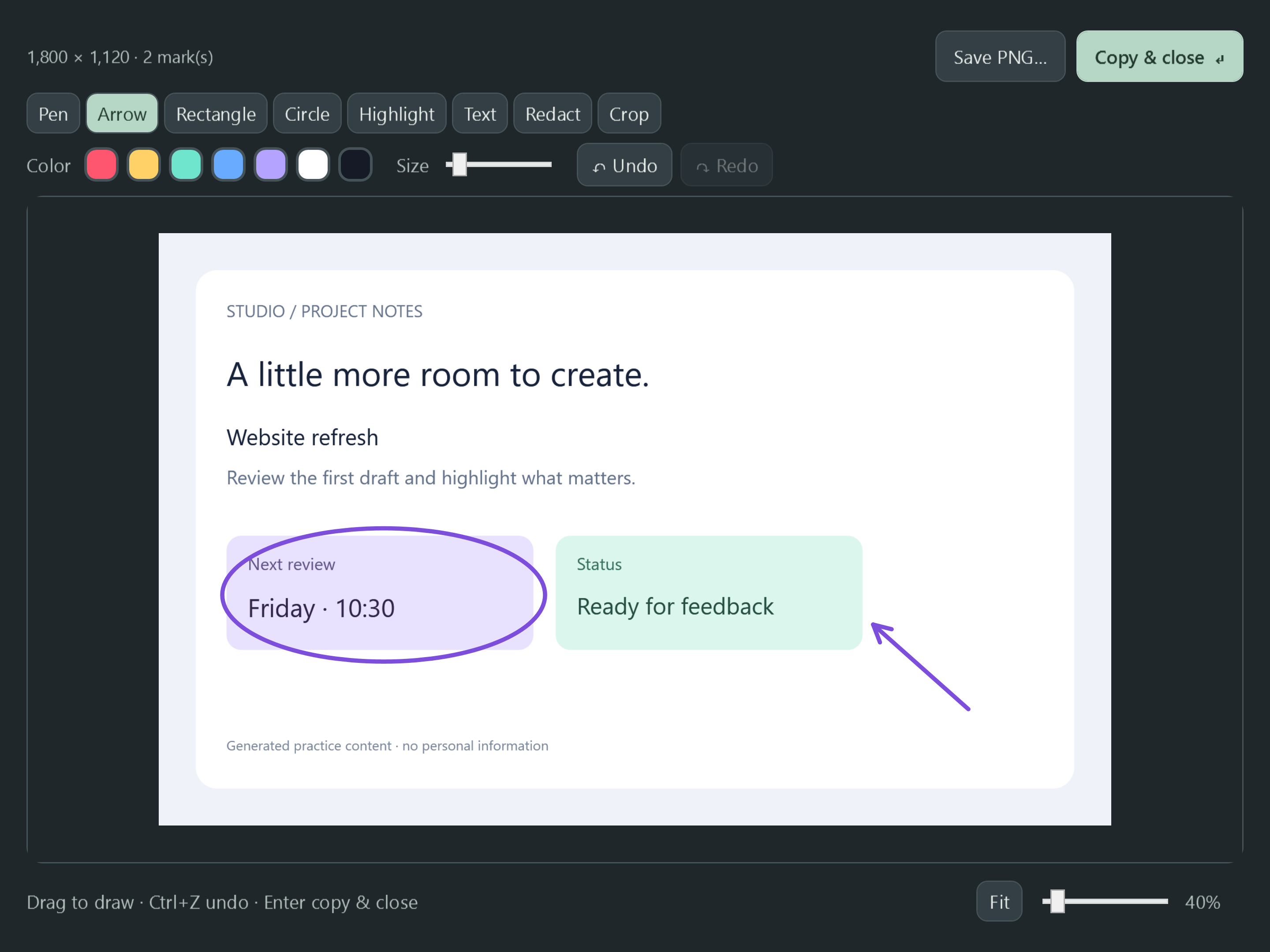
Find an earlier copy in 28 seconds.
Real app screens · Sample content · Edited steps, with captions
Read the practical guide- Clipboard history
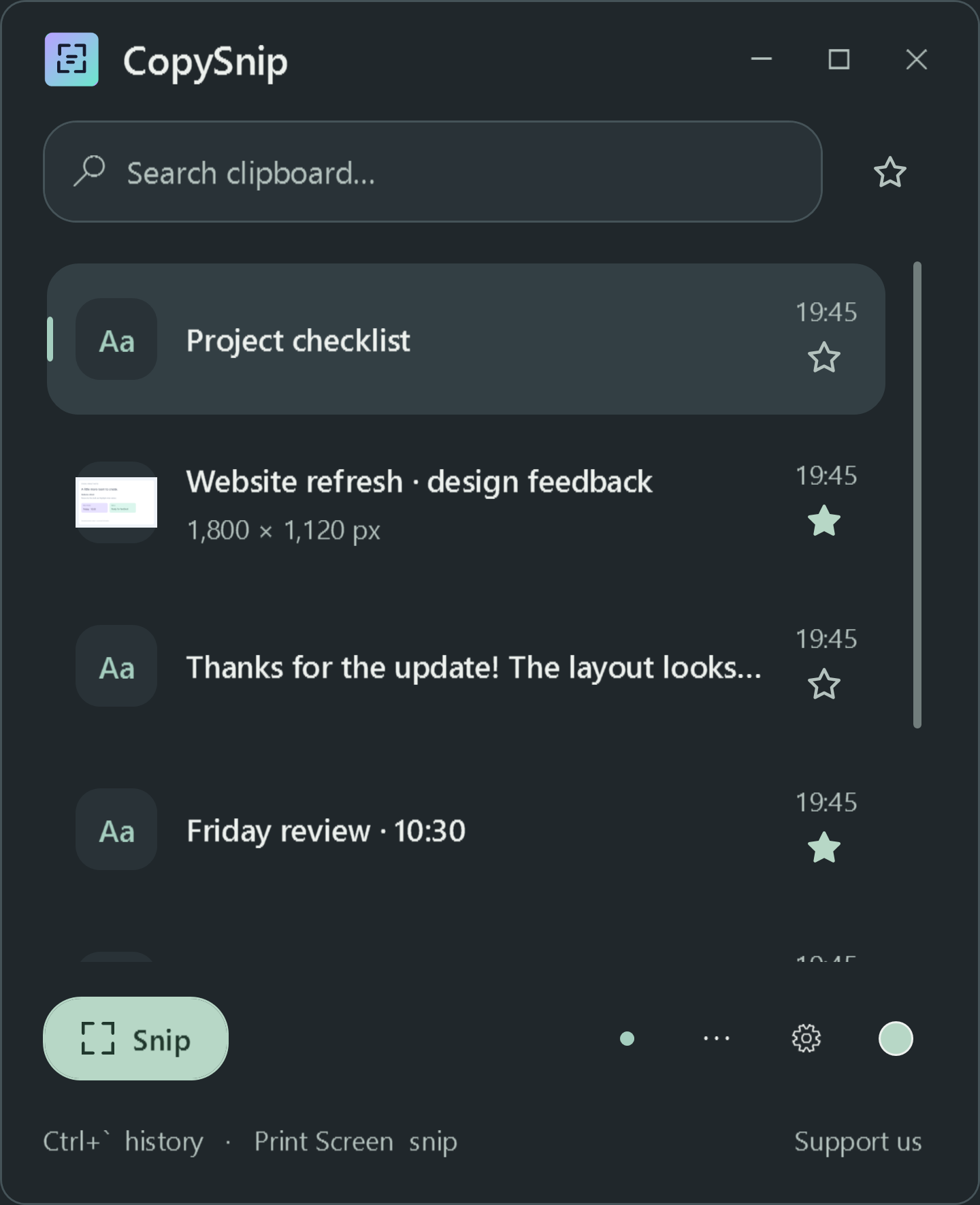
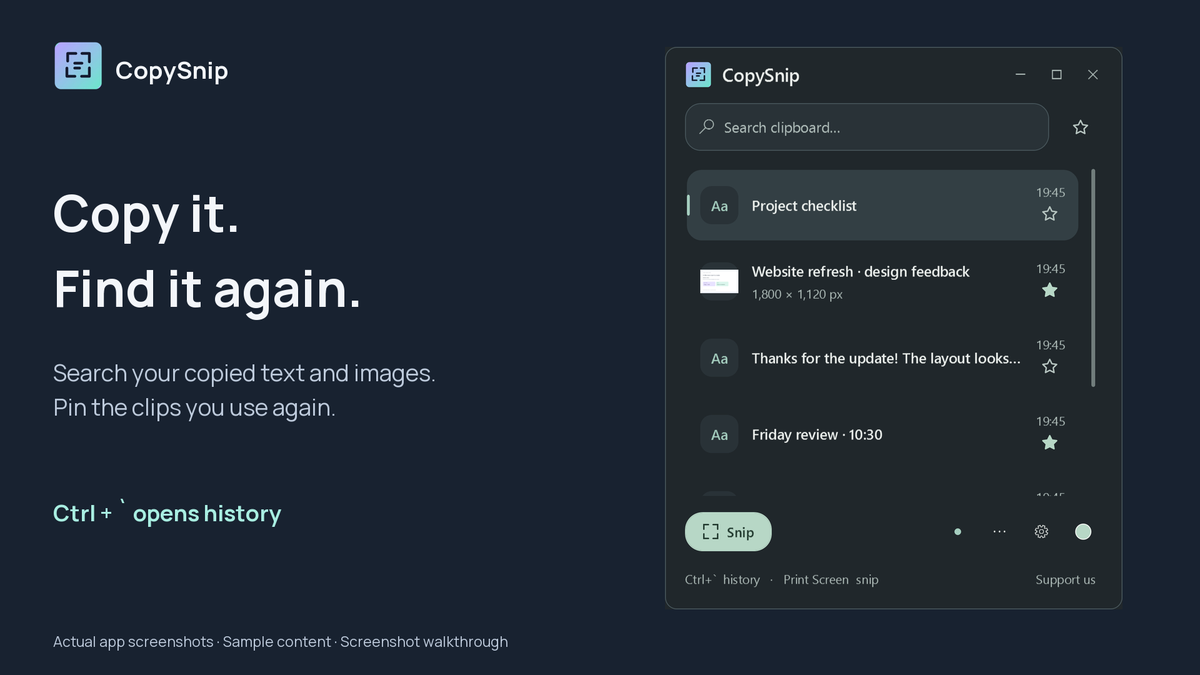
- Search copied text and images, pin useful clips and paste them back.
- Screenshot tools
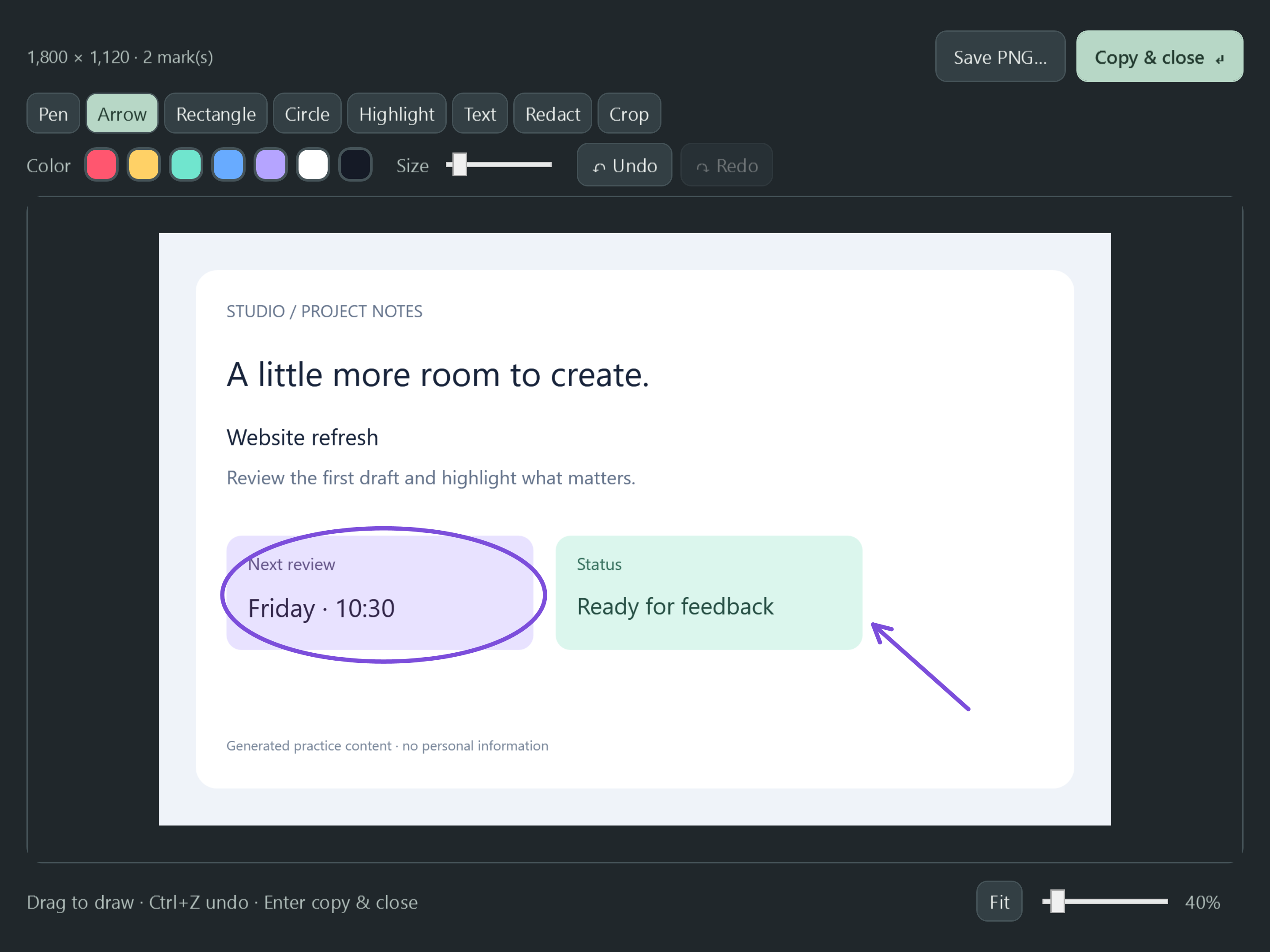
- Capture a region. Add arrows, text, highlights or redaction, then crop and save.
- Free features
- All clipboard tools, screenshot tools and seven themes are free.
- Local history
- History stays on your PC with Windows encryption tied to your user account.
Original assets
Ready to show.
Full-resolution screenshots, the existing logo, social image, walkthrough, captions and product facts.

The independent developer
Made by Omer.
I’m Omer Buchman, an IT manager, systems administrator and AI integrator with over 10 years of experience. I build Windows apps to make practical everyday tasks easier.
I built CopySnip to bring clipboard history and screenshot markup together in a compact app. All its functional tools are free.