 CopySnip
Free clipboard history and screenshot tools.
Bring back text and images you copied, or capture a screen and add a clear explanation.
All features included
What’s included?
All tools are free
- Clipboard history, search, pins and rename
- Region capture and all annotation tools
- Seven themes and local encrypted history
Windows 10 (build 19041+) and Windows 11 · x64
How it works.
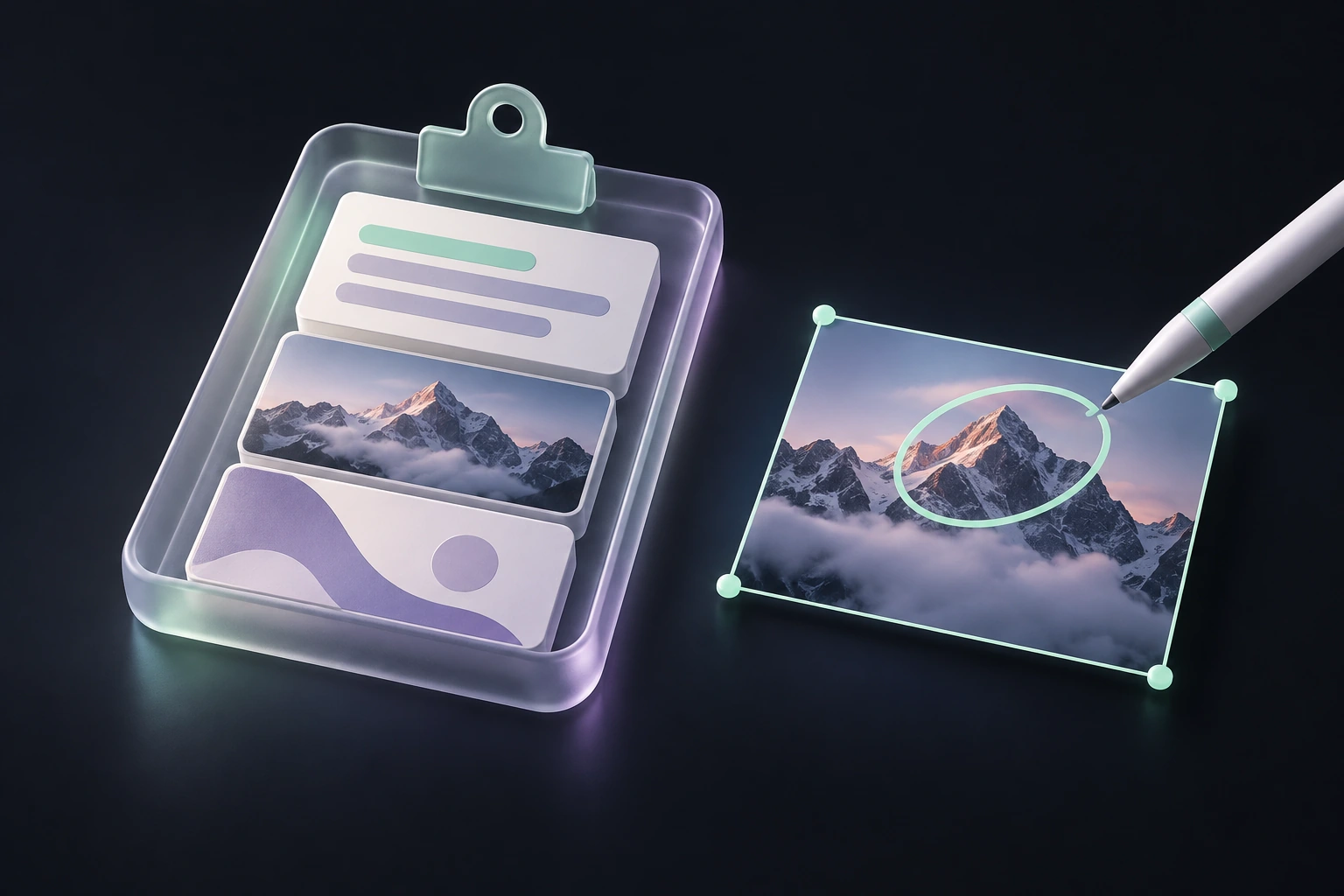
Copy as usual
Copy text or images while you work.
Bring history back
Press Ctrl + ` (the grave-accent key), then search or choose a clip.
Capture and explain
Press Print Screen, select a region and annotate when needed.
Give your screenshot an explanation.
Find an earlier copy in 28 seconds.
Real app screens · Sample content · Edited steps, with captions
Read the practical guideYour work, handled locally.
History uses Windows encryption tied to your user account. Exported files and the Windows clipboard have separate privacy boundaries.
Do I need to pay to use all the tools?
No. Clipboard history, capture, annotation and themes are free. The optional cosmetic Supporter add-on is still awaiting publication; it will not unlock functional tools.
Where is clipboard history kept?
On your PC, protected using Windows encryption tied to your user account. Exported files and the Windows clipboard itself are outside that encrypted history.
Does it capture everything I copy?
Recording can be paused and supported exclusions are available. No app can promise universal secret detection; pause recording before copying sensitive information.