 PDF Size Helper
Prepare PDFs and images for upload.
An upload asks for a smaller file? Resize it, arrange its pages and save a new copy.
All tools included
What’s included?
All tools are free
- All PDF and image preparation tools
- Page organization, combine and split
- Preview and save as a new copy
Windows 10 (1809+) and Windows 11 · x64
How it works.
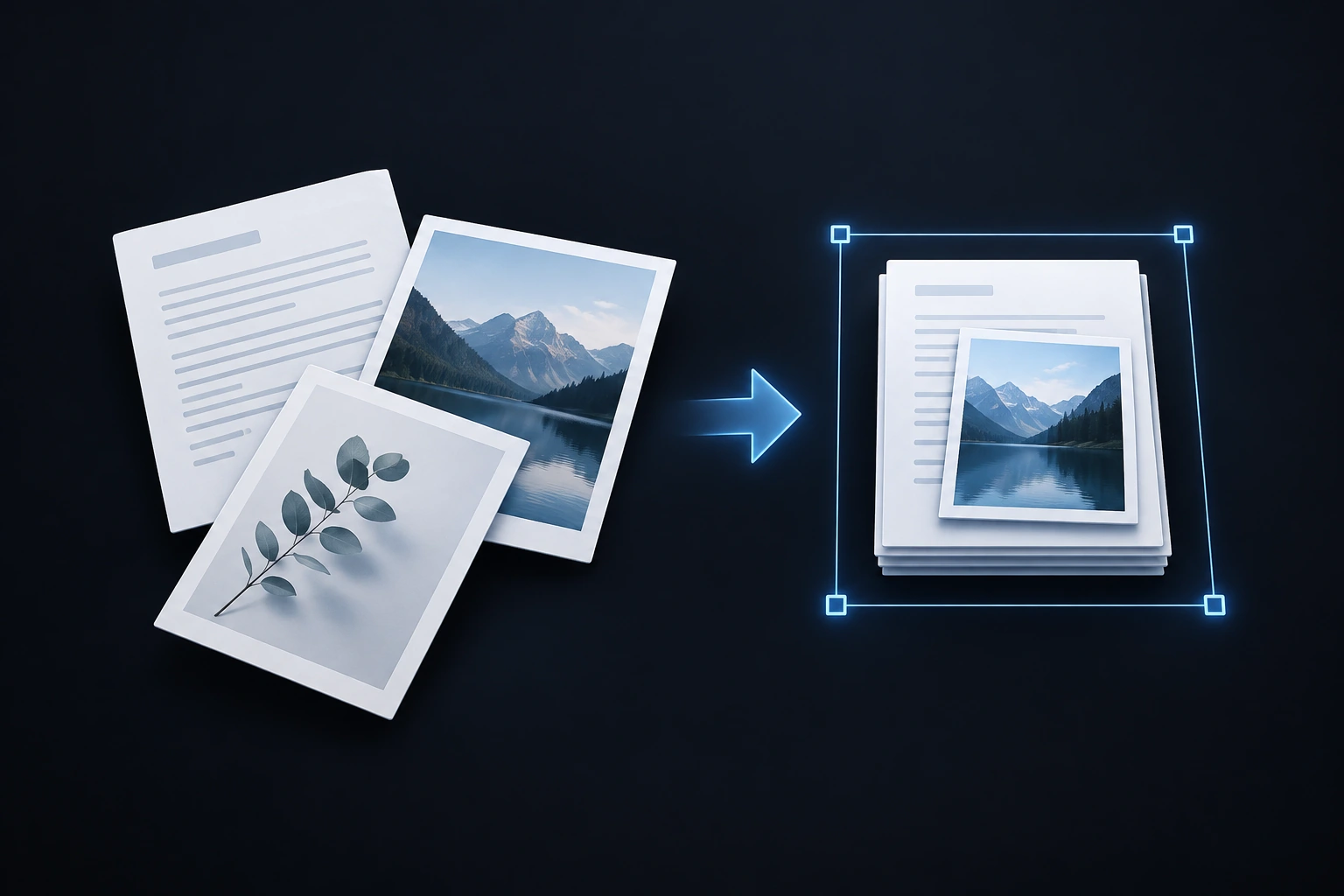
Add your files
Choose supported local PDFs or images.
Prepare and review
Set a size requirement or organize pages, then inspect the preview.
Save a new copy
Keep your original file and choose where the result goes.
Put every page in its place.
A smaller PDF in 28 seconds.
Real app screens · Sample content · Edited steps, with captions
Read the practical guideYour work, handled locally.
Core processing happens on your PC. See the storage, export and privacy details for this app.
Are all the tools free?
Yes. All PDF and image tools are free. An optional cosmetic Supporter badge is planned and is awaiting Store publication; it will not unlock or restrict document tools.
Can every file reach any size?
No. Some files cannot meet a target without a quality tradeoff. Check the reported size and preview; acceptance by a particular upload site is not guaranteed.
Are my documents uploaded?
Document processing happens locally. If you save to a cloud-synced folder, that separate service may upload the saved file.
Are there input limits?
The app has technical limits of 50 inputs, 250 MiB per file, 500 PDF pages and 100 megapixels per image. Supported PDF structures vary by operation and version. Protected or unsupported files may be refused.