 Media Compare & Organize
Find duplicates. Organize your media.
Too many copies and scattered folders? Compare photos, choose what to keep and preview a tidier collection.
Free scans · limited cleanup
Install free; upgrade inside the app. Store shows your local price.
What’s included in Free & Pro?
Free
- Unlimited scans and result viewing
- Cleanup up to 20 duplicate sets per scan
- Organize up to 100 files per job
- Three similar-photo previews per scan
Lifetime Pro
- Remove the Free cleanup and organization limits
- Full similar-photo review and best-shot tools
- Preferred folders and remembered decisions
Windows desktop · x64
How it works.
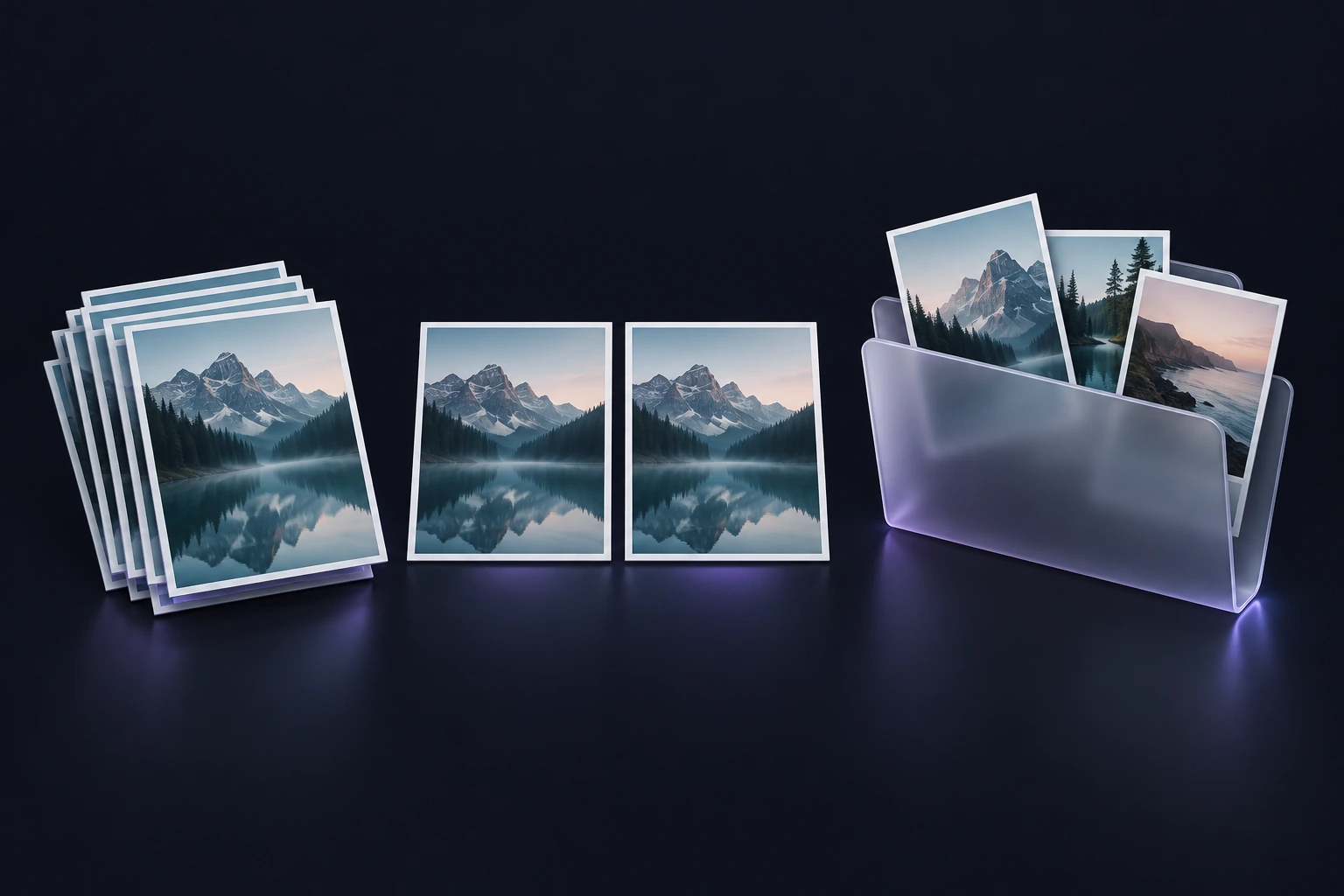
Choose your folders
Scan a selected local media collection.
Review the results
Compare copies or photos and decide what to keep.
Confirm your plan
Review cleanup or an organization preview before applying it.
Preview the folders before organizing.
Your work, handled locally.
Core processing happens on your PC. See the storage, export and privacy details for this app.
Will scanning delete anything?
No. Scanning does not move or delete files. Cleanup requires confirmation and requests the Windows Recycle Bin.
Are similar photos removed automatically?
No. Similar photos require your review. Similarity is a suggestion, not proof that two files are identical.
What is included for free?
Scanning and result viewing are unlimited. Free cleanup handles 20 duplicate sets per scan, organization handles 100 files per job, and similar-photo previews are limited to three per scan.