 Disklane
Find what’s taking up disk space.
A drive running out of room? See your largest folders and files, then review what you no longer need.
2 free scans
Install free; upgrade inside the app. Store shows your local price.
What’s included in Free & Pro?
Free
- Two completed real scans in total
- Unlimited sample scans to explore the app
- Continue viewing existing results
- Up to 10 files per eligible recycle batch
Disklane Pro
- Unlimited real scans
- Exact duplicate checks with a retained copy
- Saved scans, folder comparisons and CSV
- Larger reviewed cleanup batches
Windows 10 (build 19041+) and Windows 11 · x64
How it works.
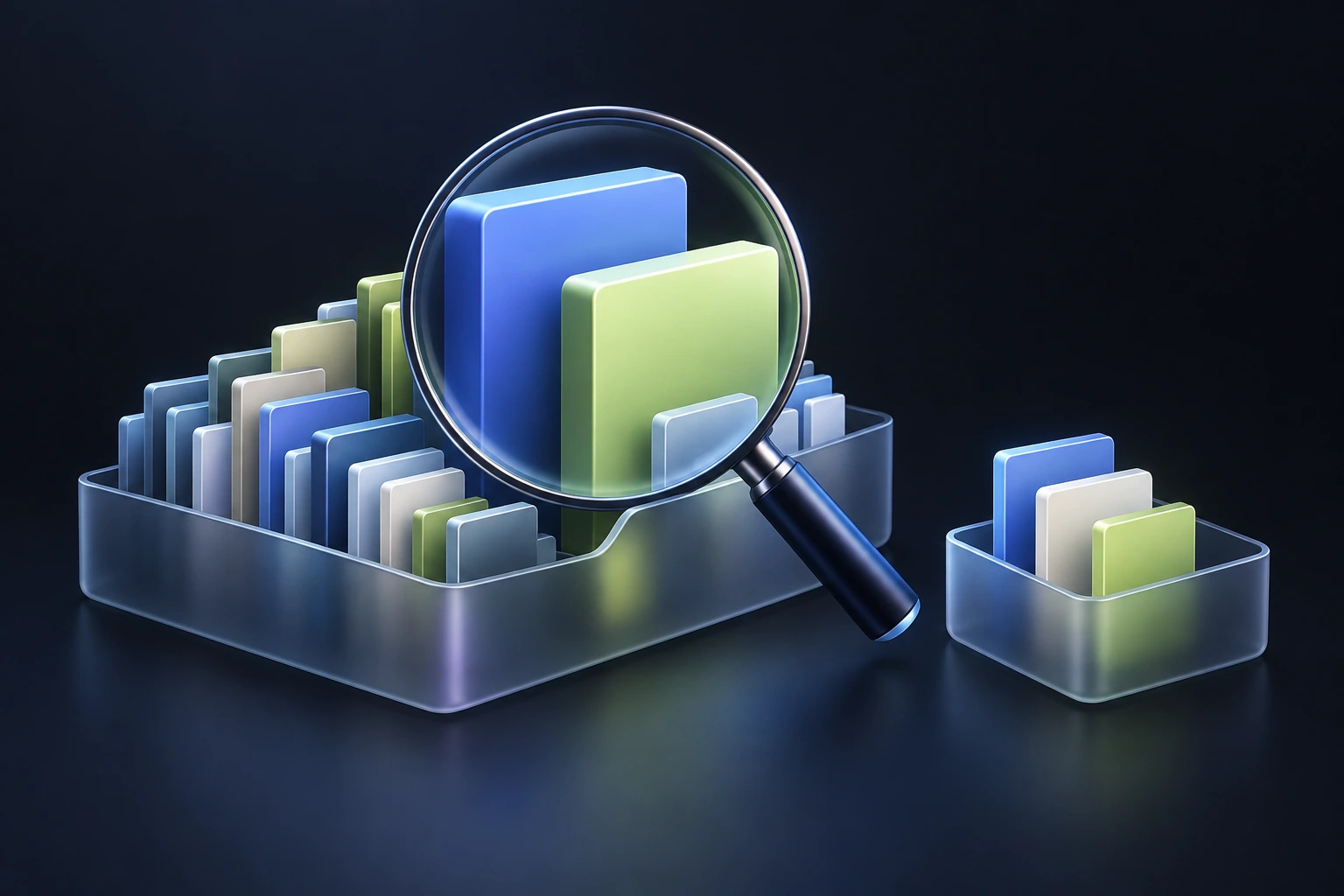
Pick a drive or folder
Try a sample or run one of your two free scans.
Explore what is large
Browse folders and filter files by type or size.
Review before cleanup
Confirm eligible files for the Recycle Bin. Keep important files safe.
Review the files behind the numbers.
Your work, handled locally.
Core processing happens on your PC. See the storage, export and privacy details for this app.
Do the two free scans renew?
No. The allowance is two completed real scans in total. Canceled, failed, unreadable or capped scans do not consume it. Sample scans are free and existing results remain viewable.
Does cleanup permanently delete files?
Disklane requests the Windows Recycle Bin for eligible individual files. It does not empty the bin or offer recursive folder deletion. Space is not necessarily freed immediately.
Does Pro include duplicate finding?
Yes. Pro can compare exact file contents using SHA-256 checks, with a retained copy and review before cleanup. It does not automatically choose files to delete.