 Network Clarity
Understand Wi-Fi and internet problems.
Connected, but nothing loads? Run a read-only scan and see detected issues in plain language.
Free network scans
Install free; upgrade inside the app. Store shows your local price.
What’s included in Free & Pro?
Free
- Read-only Quick Scan
- Every detected issue or optimization opportunity
- Severity, plain-language reasons and basic connection information
Network Doctor Pro
- Recommended solutions, benefits and tradeoffs
- Eligible repair tools with explicit consent
- Deep Scan, technical evidence, history and reports
Ambiguous, high-impact or administrator-sensitive repairs remain guided or blocked.
Windows 10 and Windows 11 · x64
How it works.
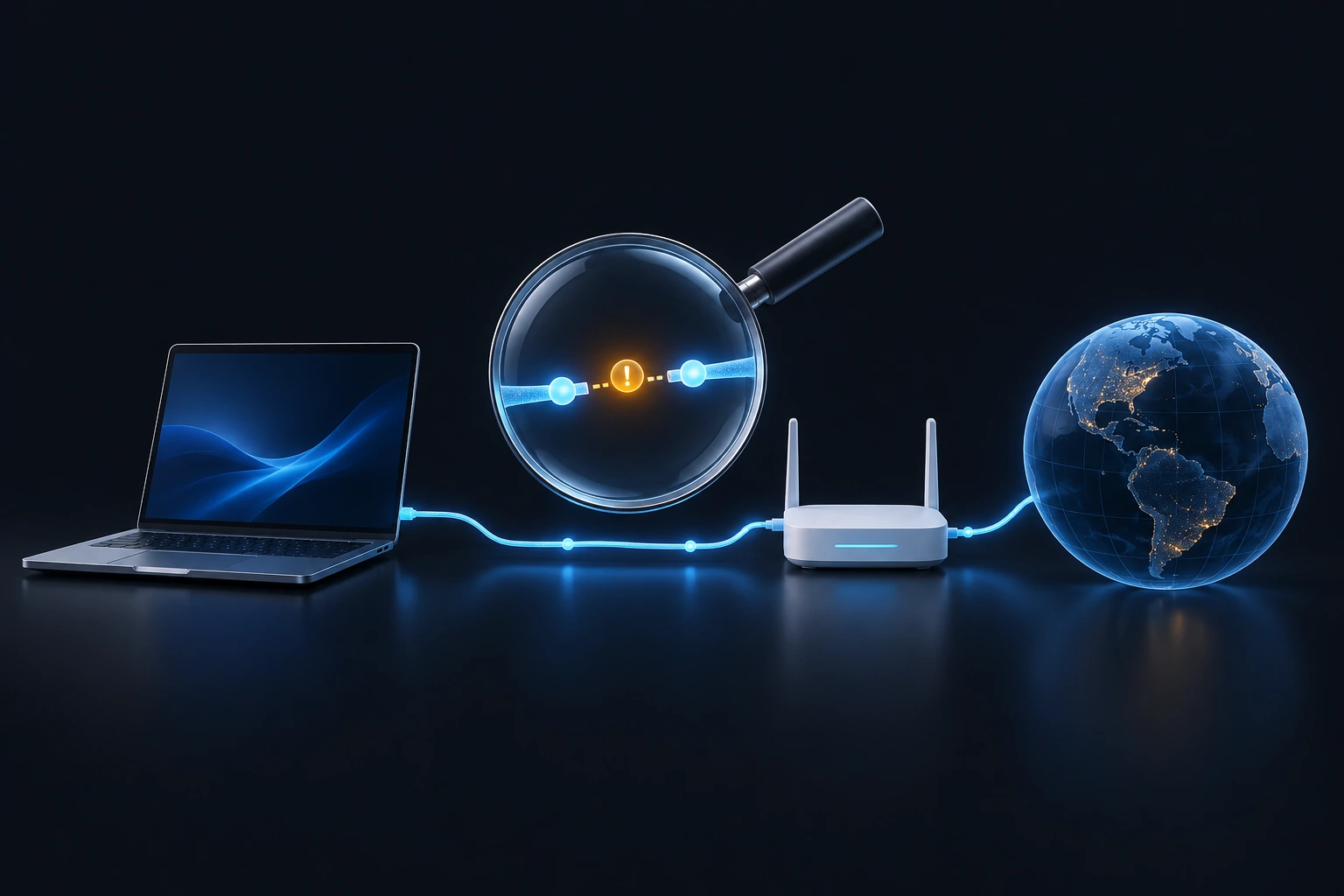
Run a read-only scan
Check the connection without changing network settings.
Read the explanation
See what was detected and why it matters.
Decide with evidence
Use Pro recommendations and eligible repairs when appropriate.
See the scan results in plain language.
Local results. Read-only scans.
Network tests contact internet services. Scan results remain on your PC; repairs are separate and require consent.
Does scanning change my settings?
No. Scans are read-only. Repairs are separate, require Pro eligibility and explicit consent, and remain subject to safety restrictions.
Will it make my internet faster?
It can find evidence-based improvement opportunities. It does not guarantee a speed increase or repair every router, ISP, hardware or Windows problem.
Is Pro a subscription?
No. Network Doctor Pro is a one-time lifetime Microsoft Store upgrade in the same app.